3D Modeling
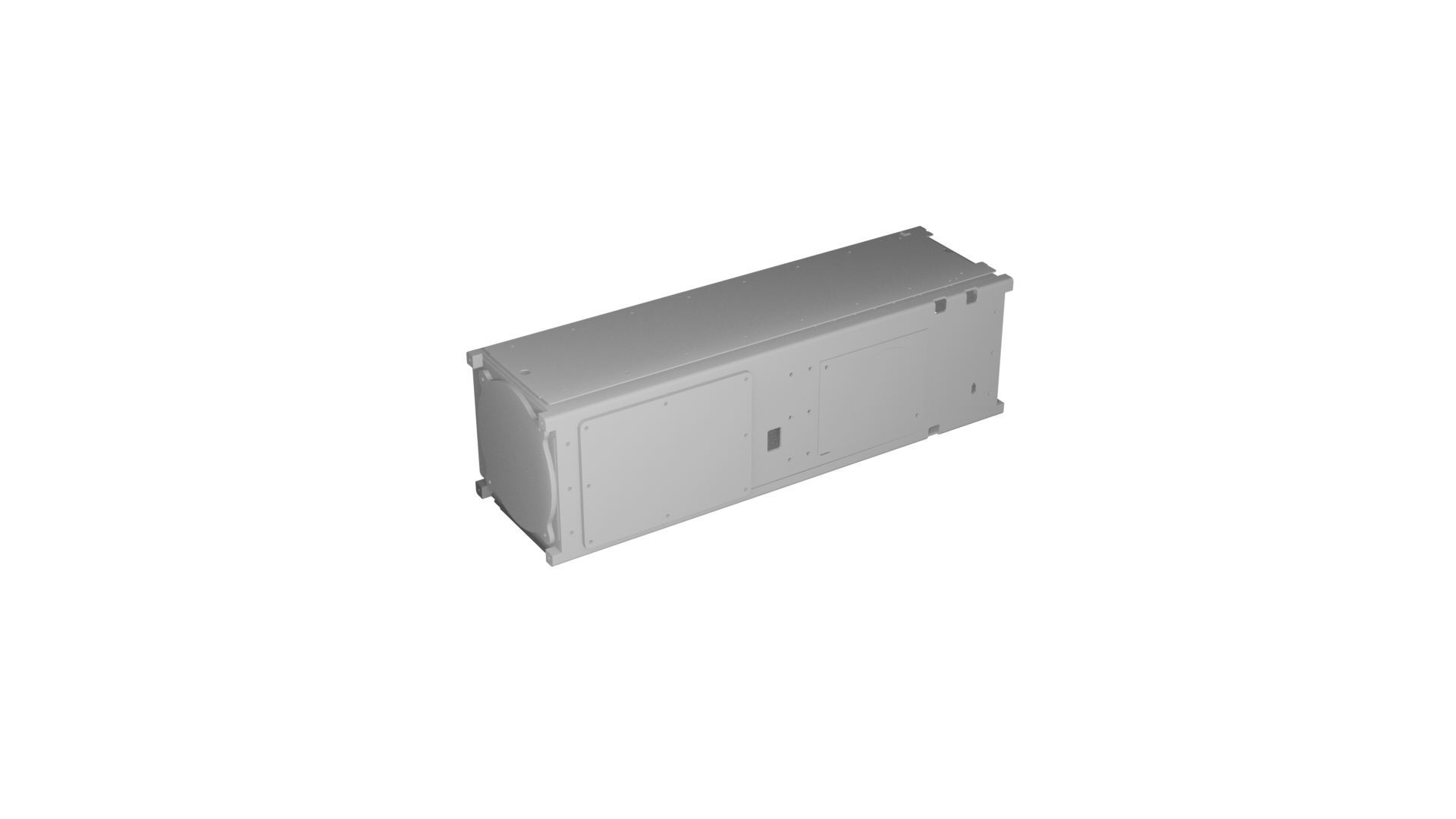
Original model (before) not created by me.
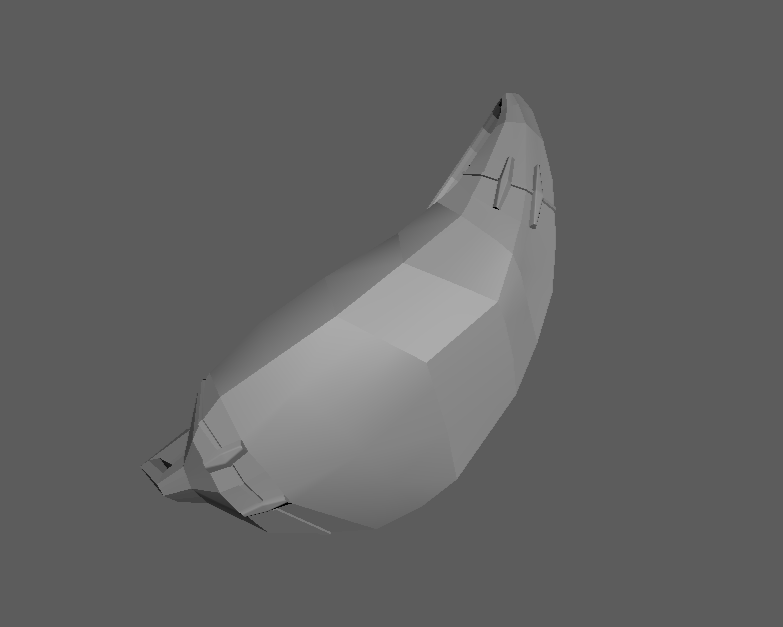
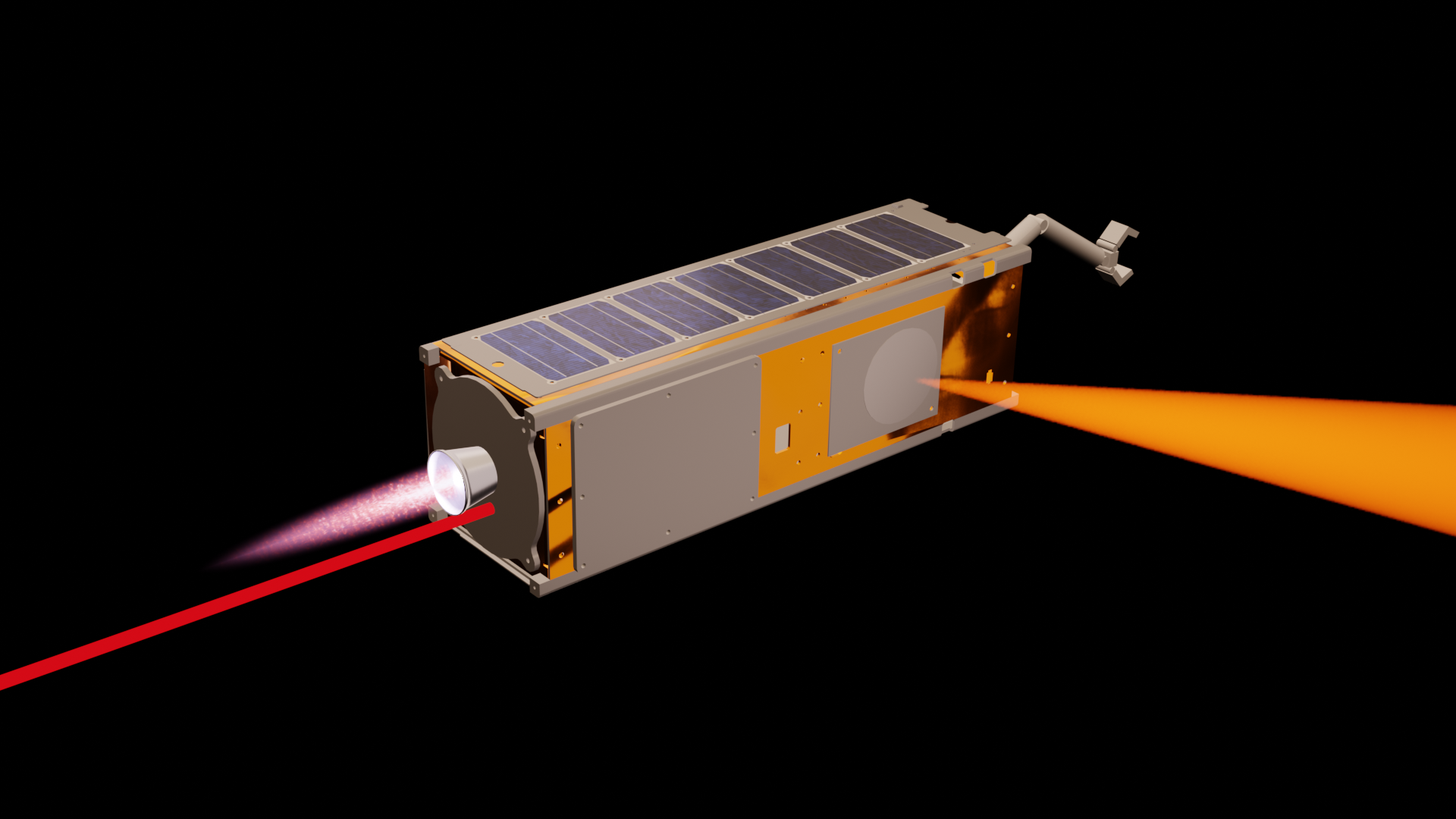
CubeSat model before & after modifications. Blender. Summer 2026.
CubeSat model with added modifications as seen in the clips on my animation page. The blank model had materials pulled from an official, publicly available NASA model applied to it. Different faces were selected and assigned to the appropriate material. The small solar panels were each UV unwrapped and resized to further customize the appearance.
Beyond the original model a firing thruster, rigged arm, light sensor, and path were added. The thruster is a simple cone shape with a metal material. The flame is a billboarded image adjusted with masks and noise modifiers, as well as a graph modifier that makes it appear to “flicker” during animation. Composed of simple geometry, the small arm also has a simple rig to display movement. An example of it can be seen below. For the cone light, a cone mesh with a volumetric material is parented to a cone light. Similar to the flame, it has a graph modifier applied that allows control over its flashing frequency and strength when animating. This too can be seen in the animation. Lastly, the path is an empty object parented to the CubeSat acting as a controller with geometry nodes connected to it. When it moves, it creates a path of actual geometry with adjustable size and color. This is useful in showing the trajectory the CubeSat is following.
Simple rigged CubeSat arm movement example. Blender. July 2026.
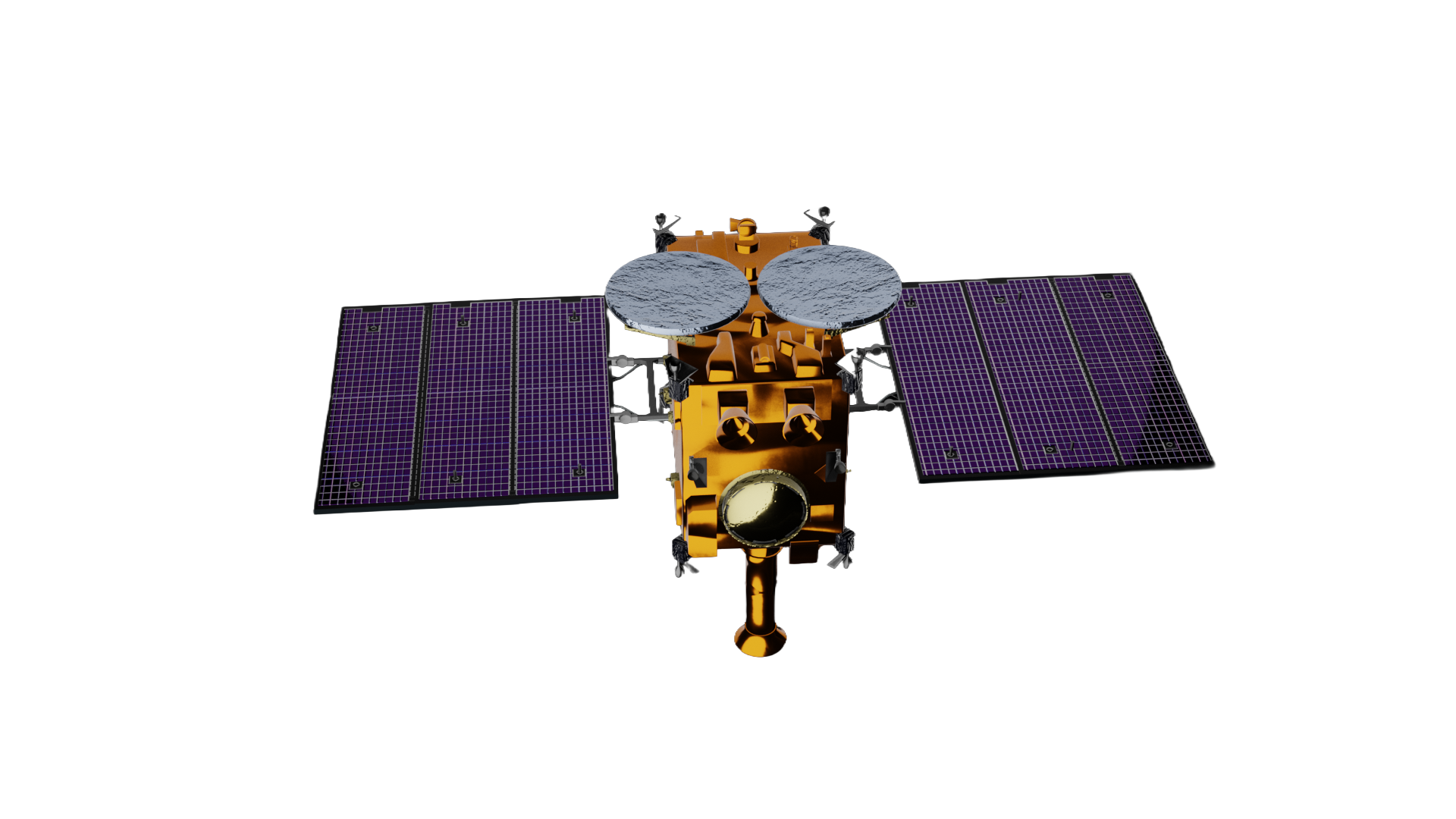
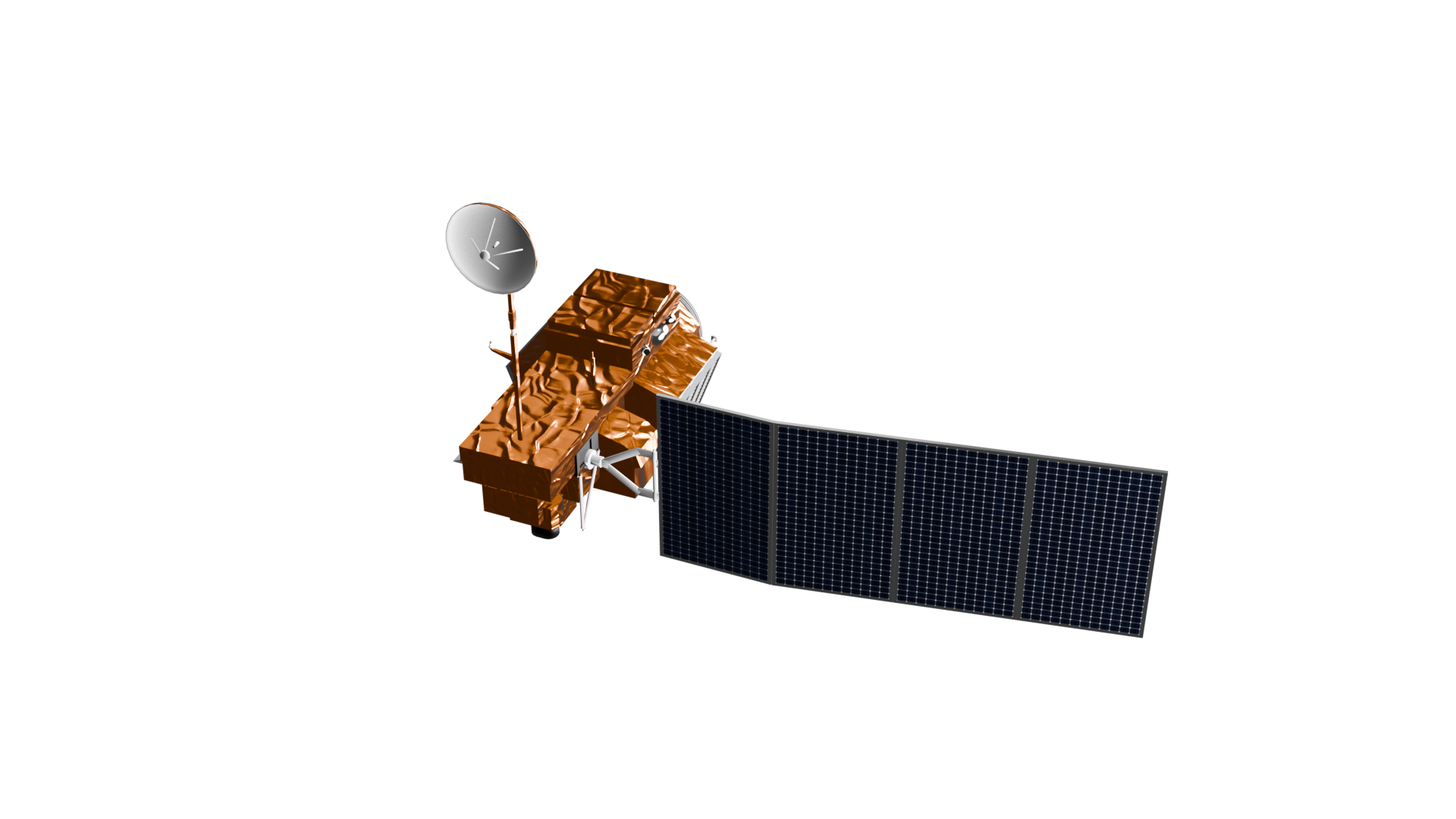
Original model (before) not created by me. Can be found here.
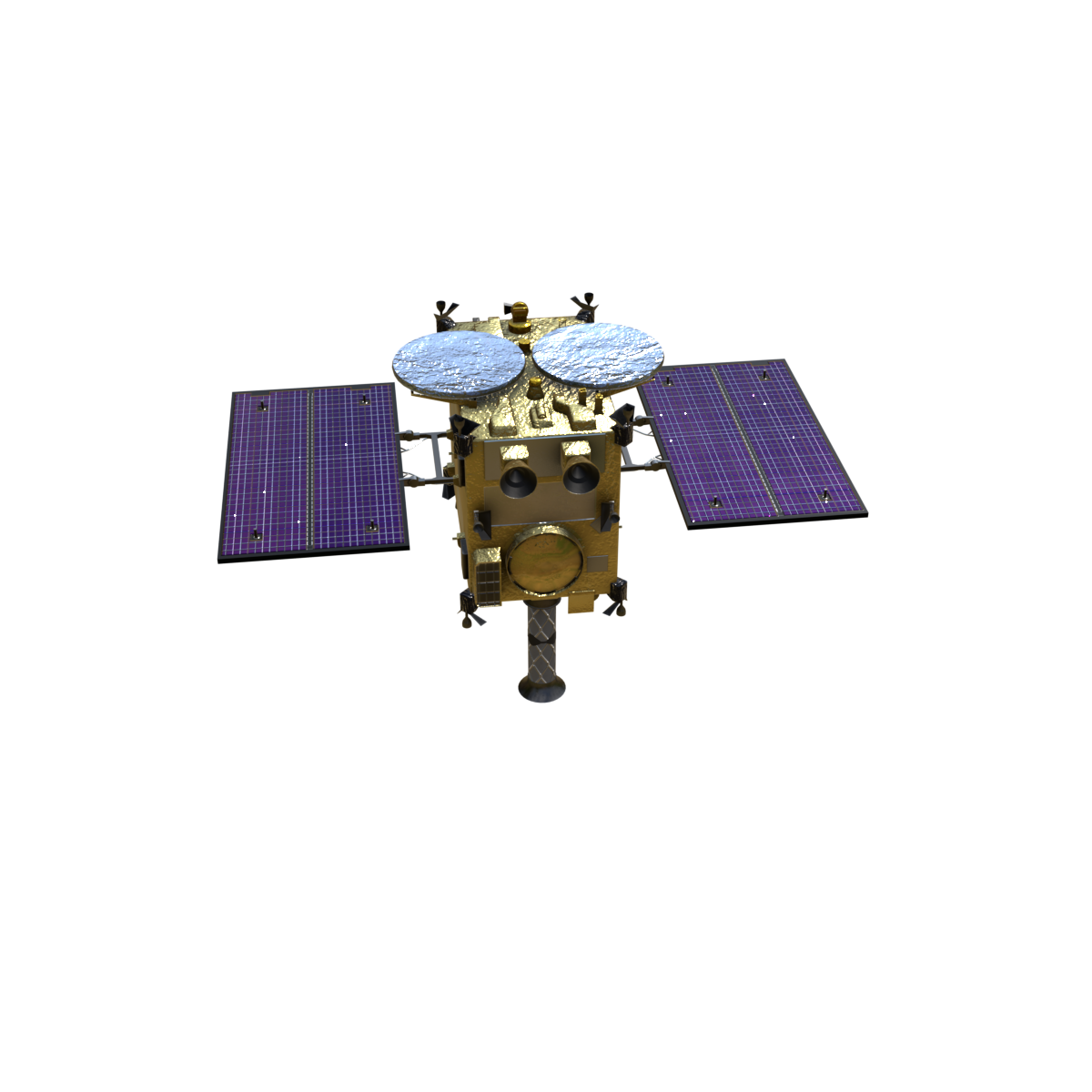
Hayabusa model before & after modifications. Blender. Summer 2026.
A publicly available Hayabusa satellite model mofified for use in the animations. It was requested to extend the length of the solar panels which was done by duplicating the faces in edit mode, easily copying the goemetry and material. Additionally, the golden foil on the body was replaced with the same material as the body of the CubeSat (pulled from the NASA model linked below). These adjustments helped the model to reach our use requirements and mesh with the other scene visuals well.
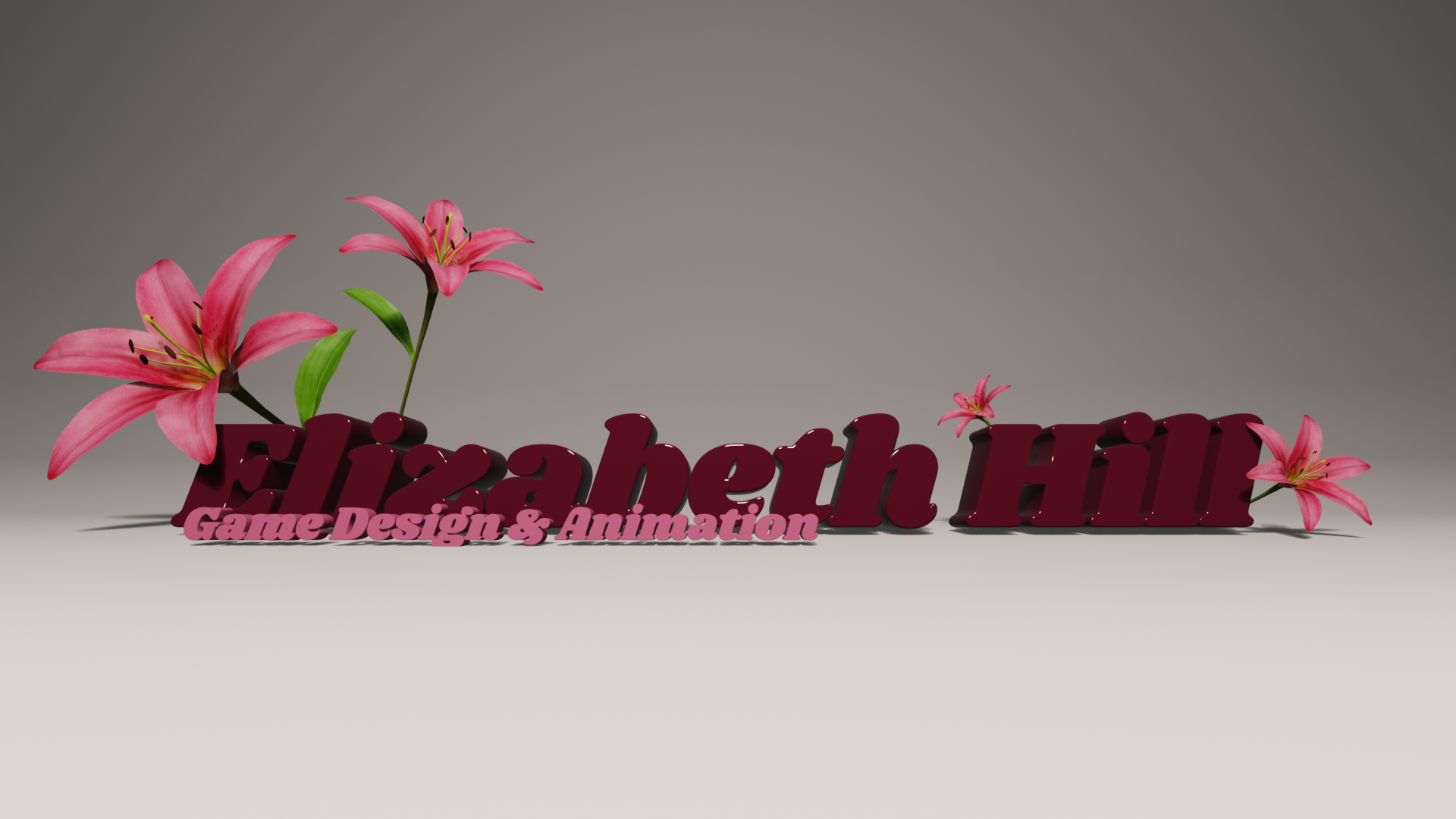
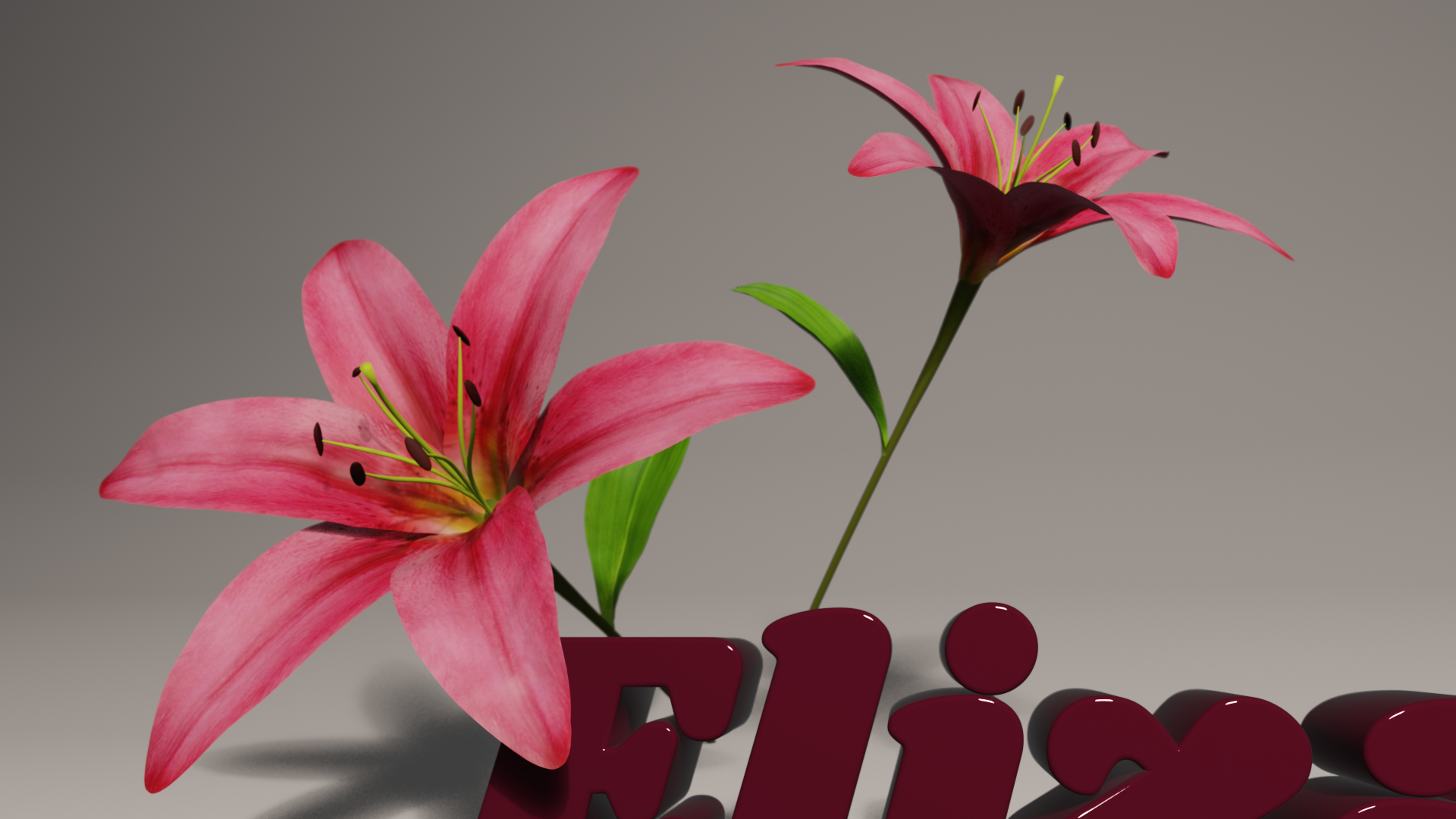
Portfolio title page & logo. Blender. July 2026.
As seen on the home page of my site, I pieced together a Blender seen to refresh my branding. I aimed to display some of the skills I have learned in using blender, such as UV unwrapping (for the flowers leaves and petals), material manipulation, and mexh reshaping with the text tool. The leaves and petals of the lily flowers have modifiers applied to their geometry which warps their shape and creates unique meshes for each one. Based off the title, I also created a simple logo seen in my site header and the tab of this browser window. A larger version of it is below.

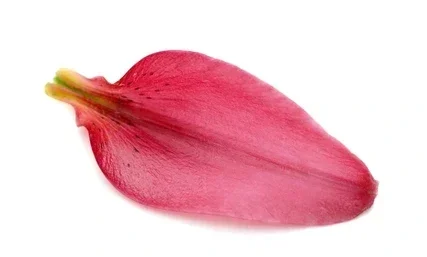
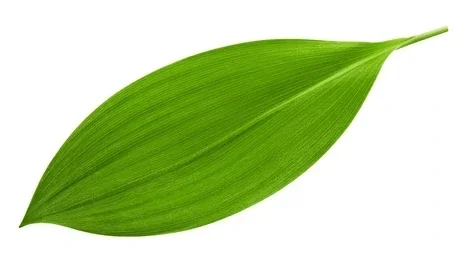
Open-source stock images used as petal & leaf textures.
A sculpt of an assemblage of an orange, banana, and grilled cheese on a plate resting on a table. All are animated together to spin 360° while the camera stays in a bookmarked position for a complete loop. Objects are textured with simple materials that allow smaller details to still be visible. The scene is lit with a skydome, point lights, and areas lights with warm colors. Rather than a render, the clip is a playblast with settings adjusted to allow for the highest possible quality.
Autodesk Maya
Still Life
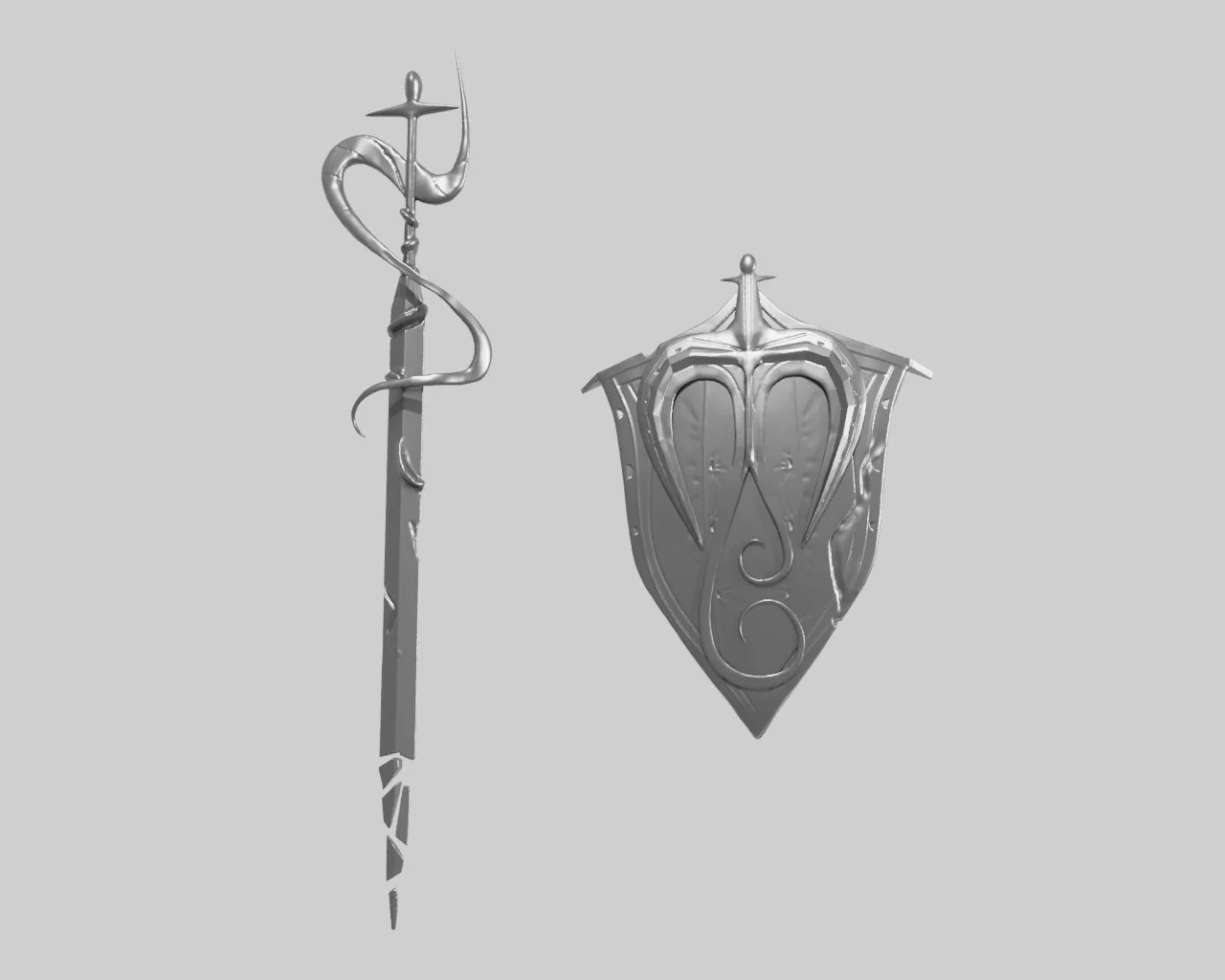
Sword & Shield
This sword and shield pair were created with the intention to have 2 separate objects work as a pair due to their aesthetic. The forms started with simple shapes and were later retopologized to allow for detail sculpting. Intricate forms, such as the swirling surface of the shield, were shaped separately and parented to the rest of the object. Details such as crinkles in the surface or damage from use apply a possible background story.
Autodesk Maya
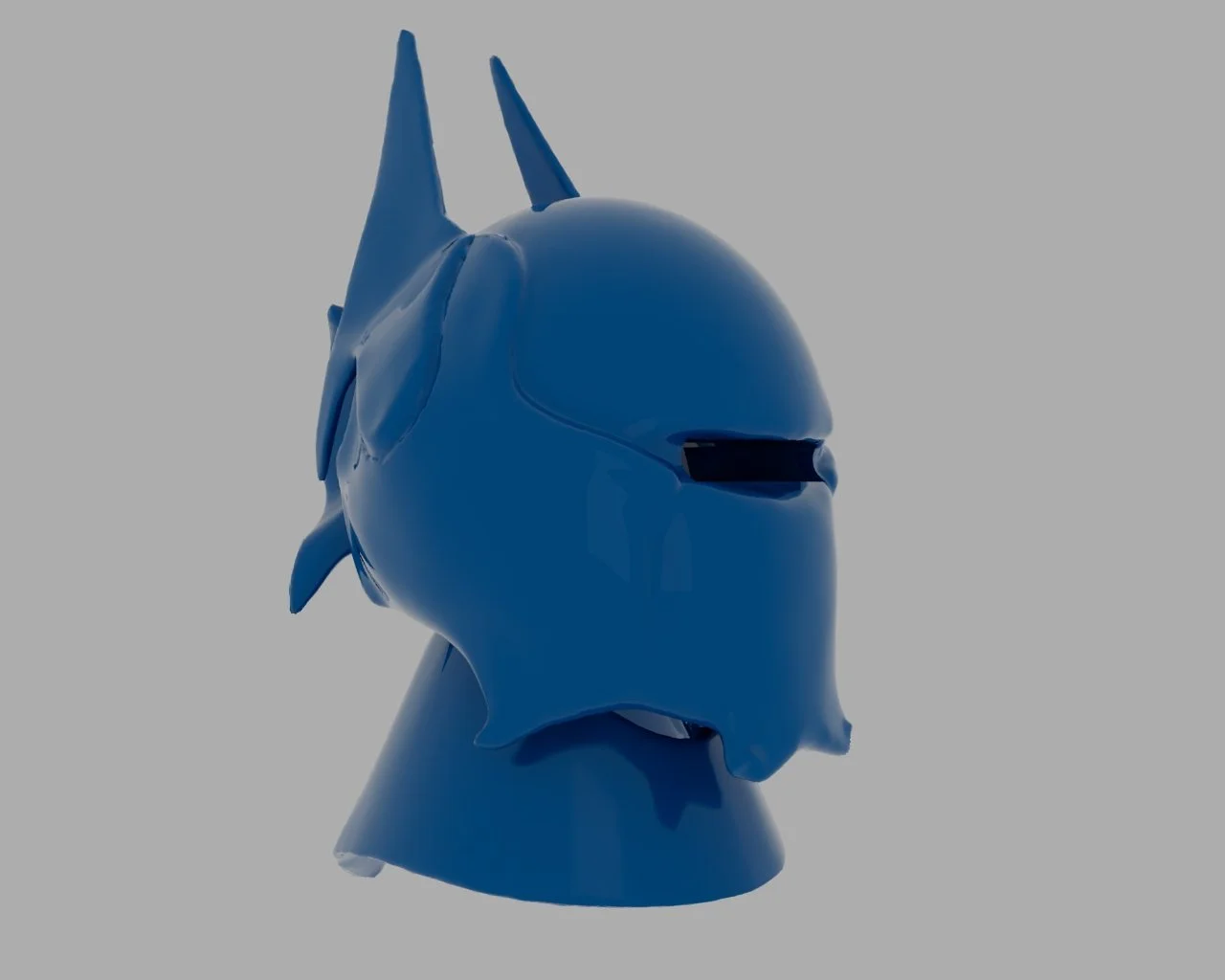
Sci-Fi Helmet
A sculpt of a sci-fi helmet with inspiration from knightly armor done in Autodesk Maya. The base form was created with boolean functions such as additive and subtractive. Face count was increased after booleans to allows scuplting of finer details and complex forms that come off the base shape. The helmet is textured with a Lambert materials with reflectiveness increased for a shiny effect. A skydome and point lights illuminate the scene.
Autodesk Maya
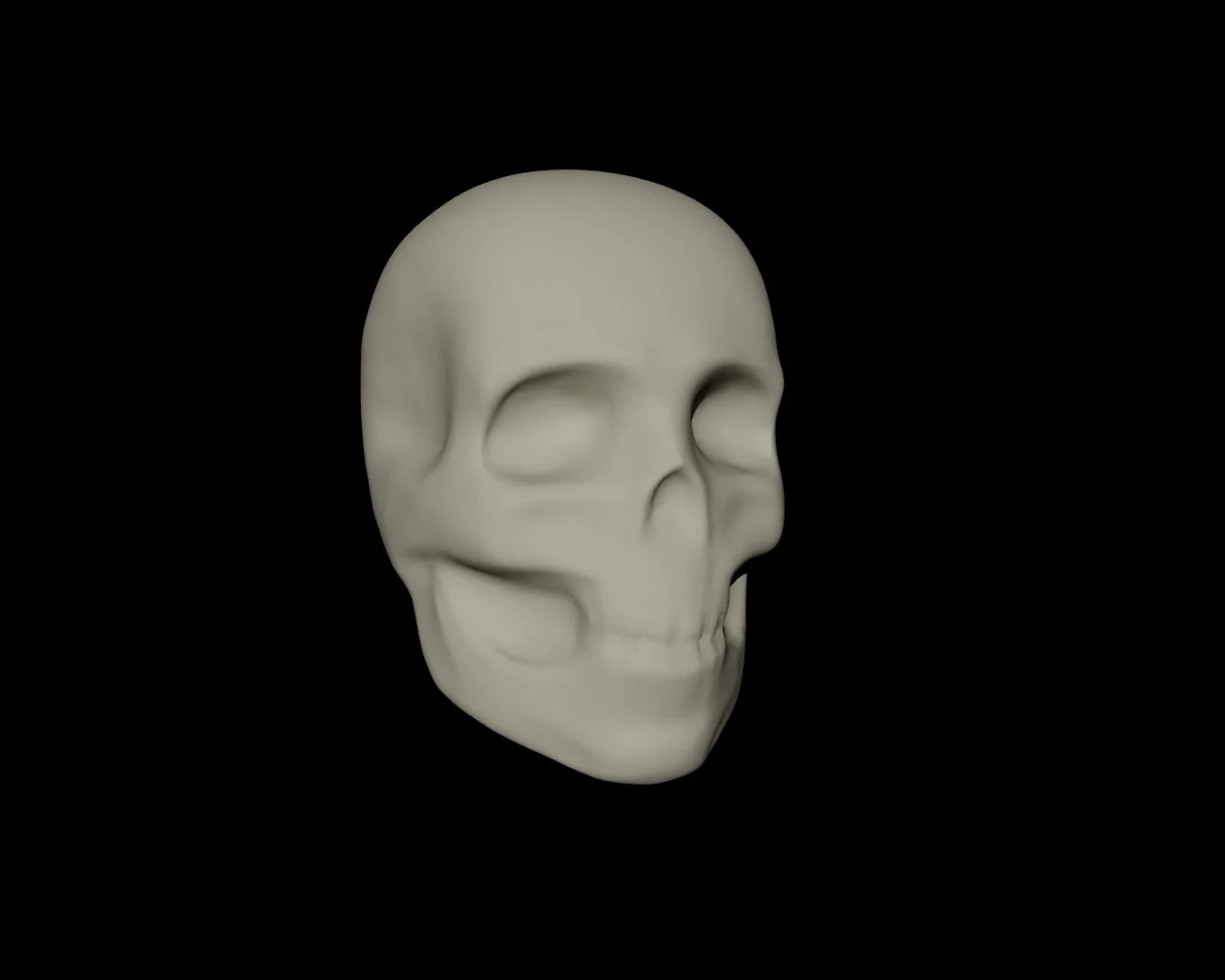
3D Skull Sculpt
A realistic model of a human skull done with Autodesk Maya sculpting tools. Limited brushes were used, inluding grab, smooth, and relax. Rough shapes were mapped out, later remeshing the model to allow for smaller details. The model is lit with a skydome and directional light, then textured with an adjusted Lambert material before the final render.
Autodesk Maya
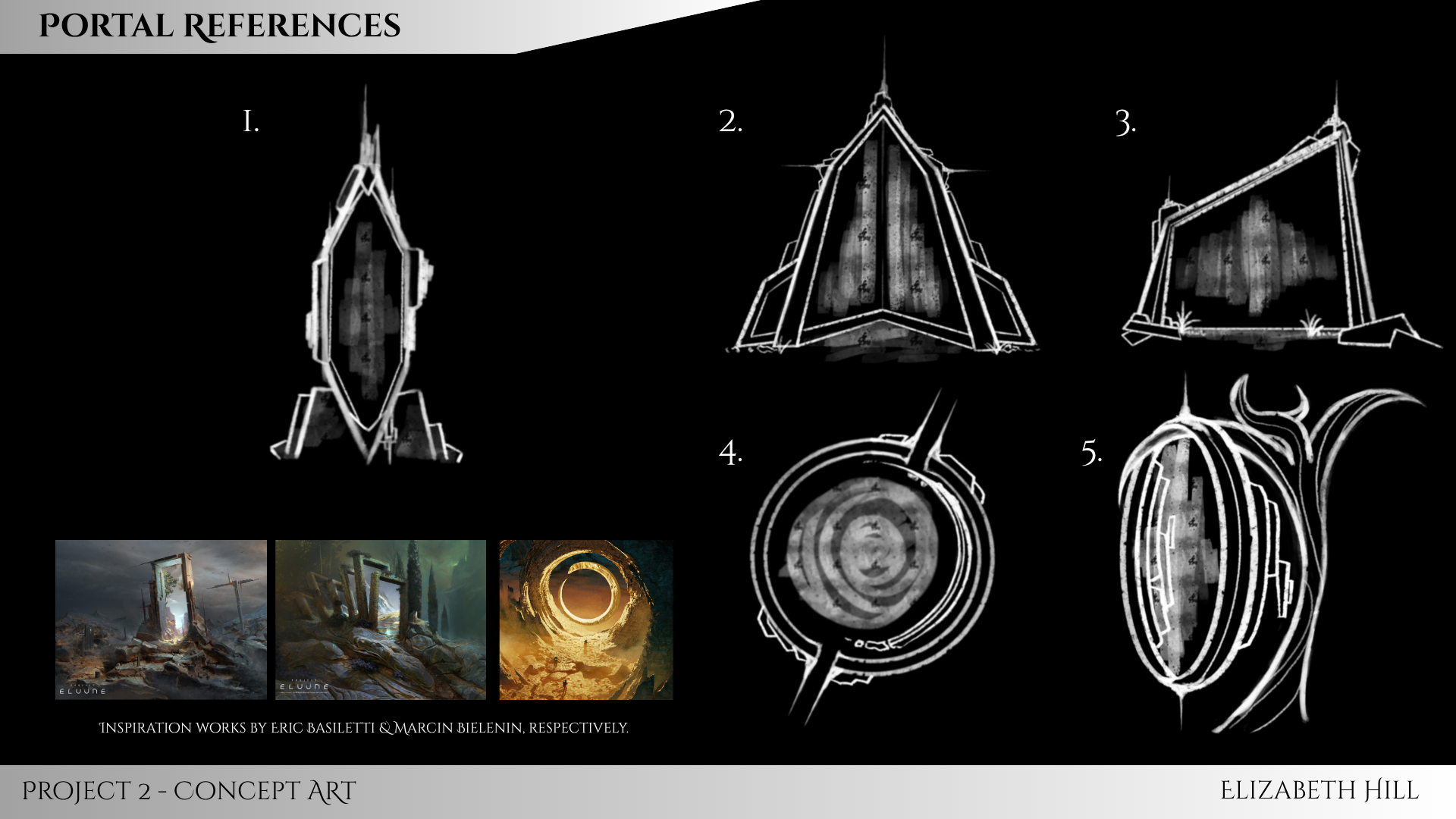
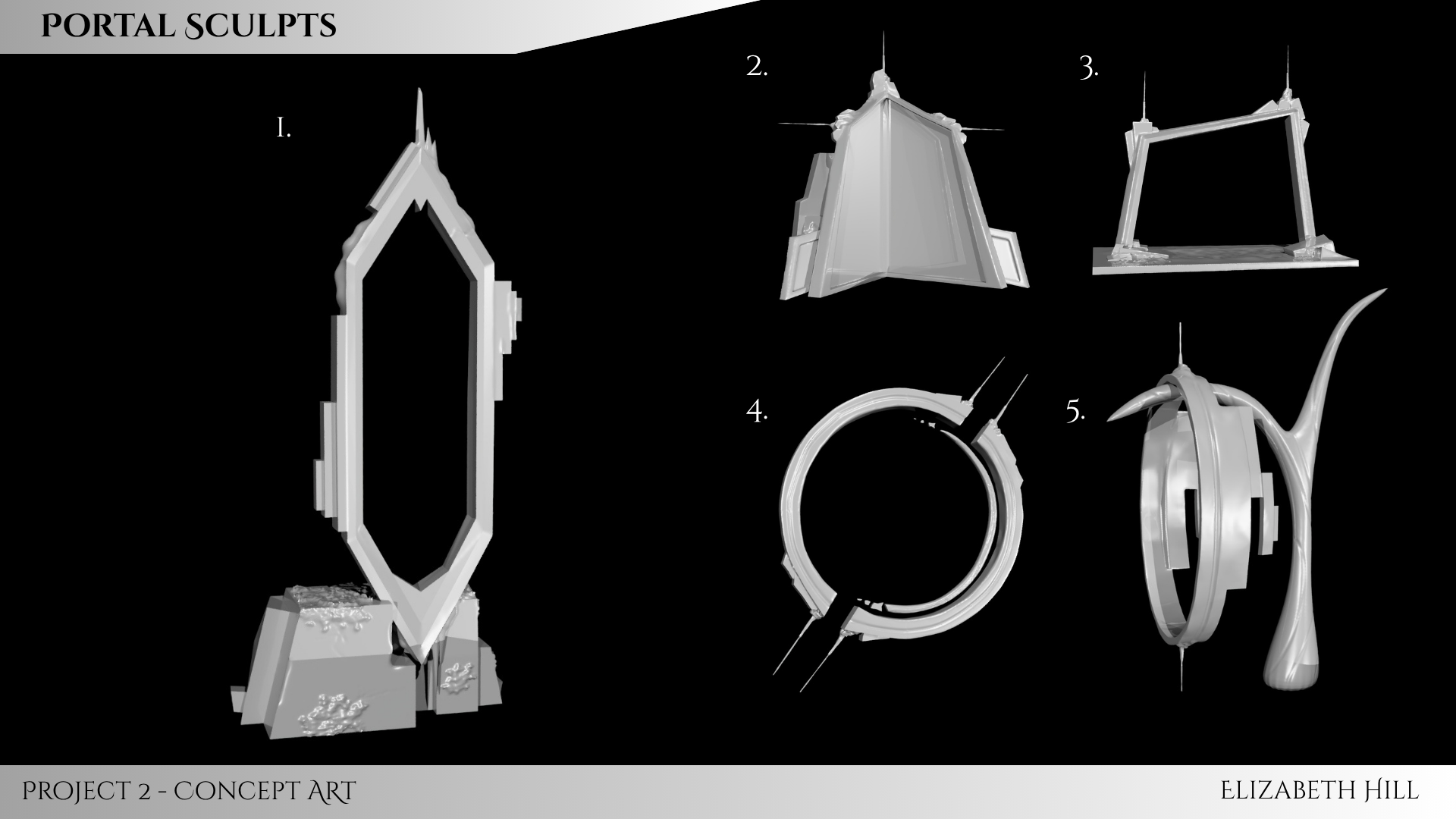
Portal Sculpts
5 unique portal frames inspired by artists on ArtStation. The main goal of this project was to apply a theme across multiple designs, each a variant of the previous. My process started with simple sketches of different geometric forms which I then took into Maya. I mapped out my basic shapes, then subdividing to create more faces to sculpt smaller details on. These include cracks, organic buildup, and fine line detailing.
Autodesk Maya
Recreation of a scene from“The Secret World of Arrietty.”
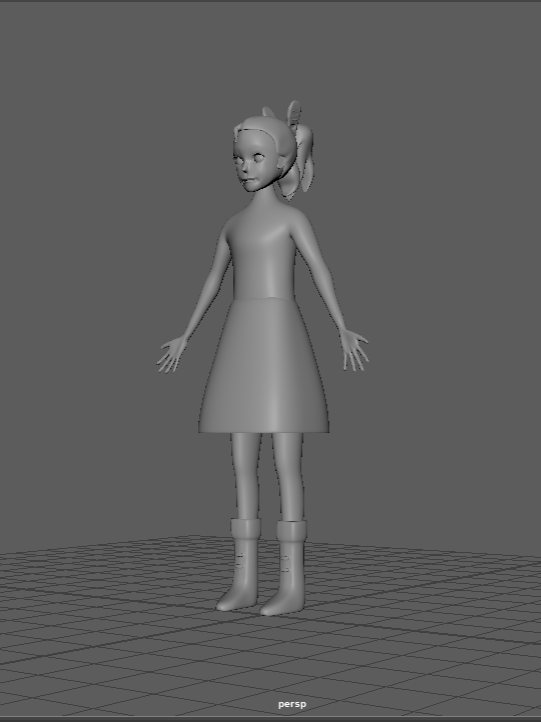
For this Intro to 3D Animation project draft, I chose to recreate a peaceful scene from the 2012 Studio Ghibli film The Secret World of Arrietty. I transformed the original 2D clip into a 3D style, modeling the individual components of the scene in order to rebuild it. My first semester-long 3D project, it covered techniques in rigging, sculpting, texturing, lighting, and animating, all of which provided me experience with Maya. The requirments were to be a clip of at least 30 seconds, a main figure, 3 props, camera movement, and some sort of movement in the main figure.
Autodesk Maya, Procreate. Fall 2025
Ideation
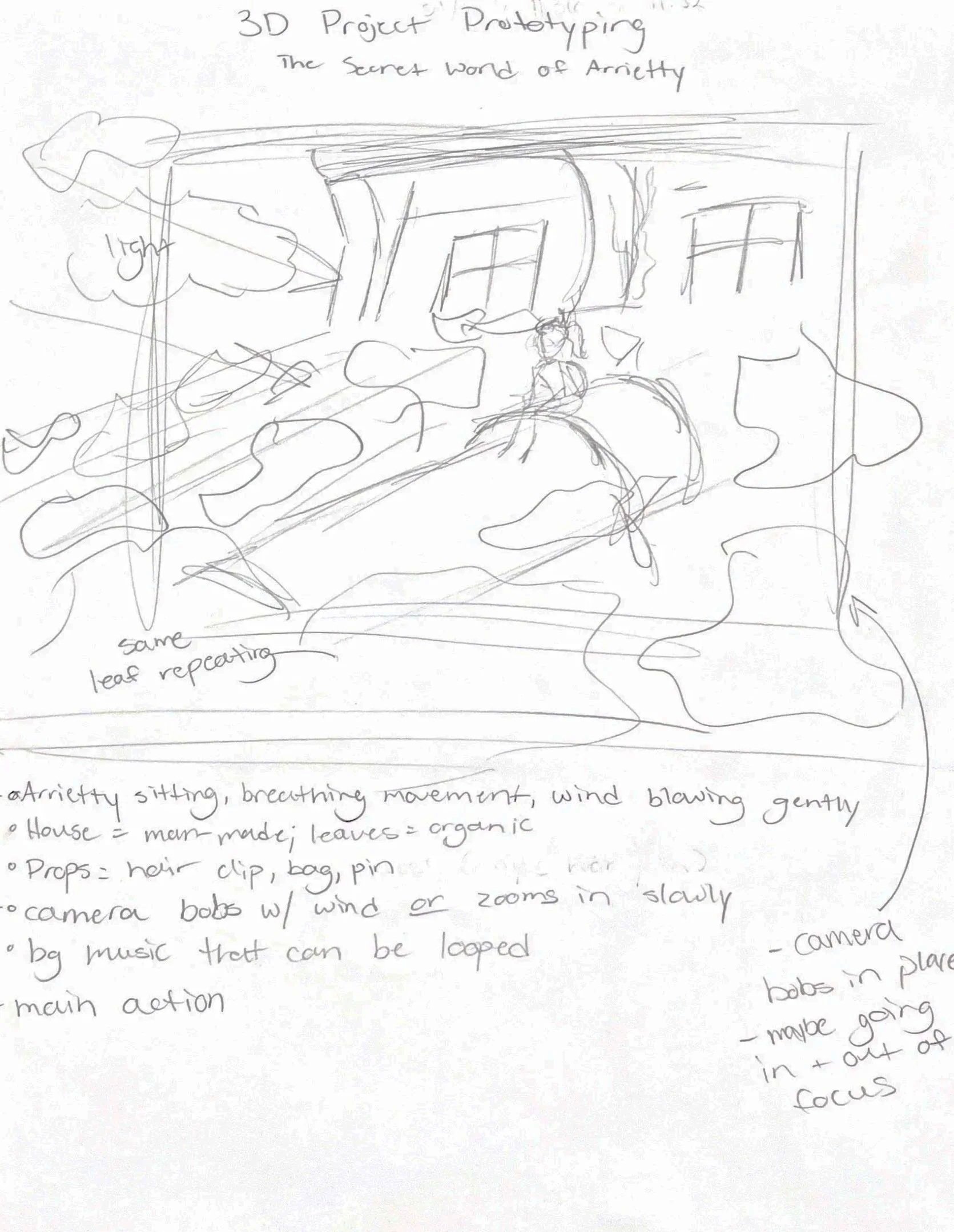
Before the mood-boarding and clean sketches, I had an ideation phase which involved rougher sketches of all the elements I eventually modeled. This included planning out my main view and the camera position/lighting, as well as sketches based off other clips throughout the movie.
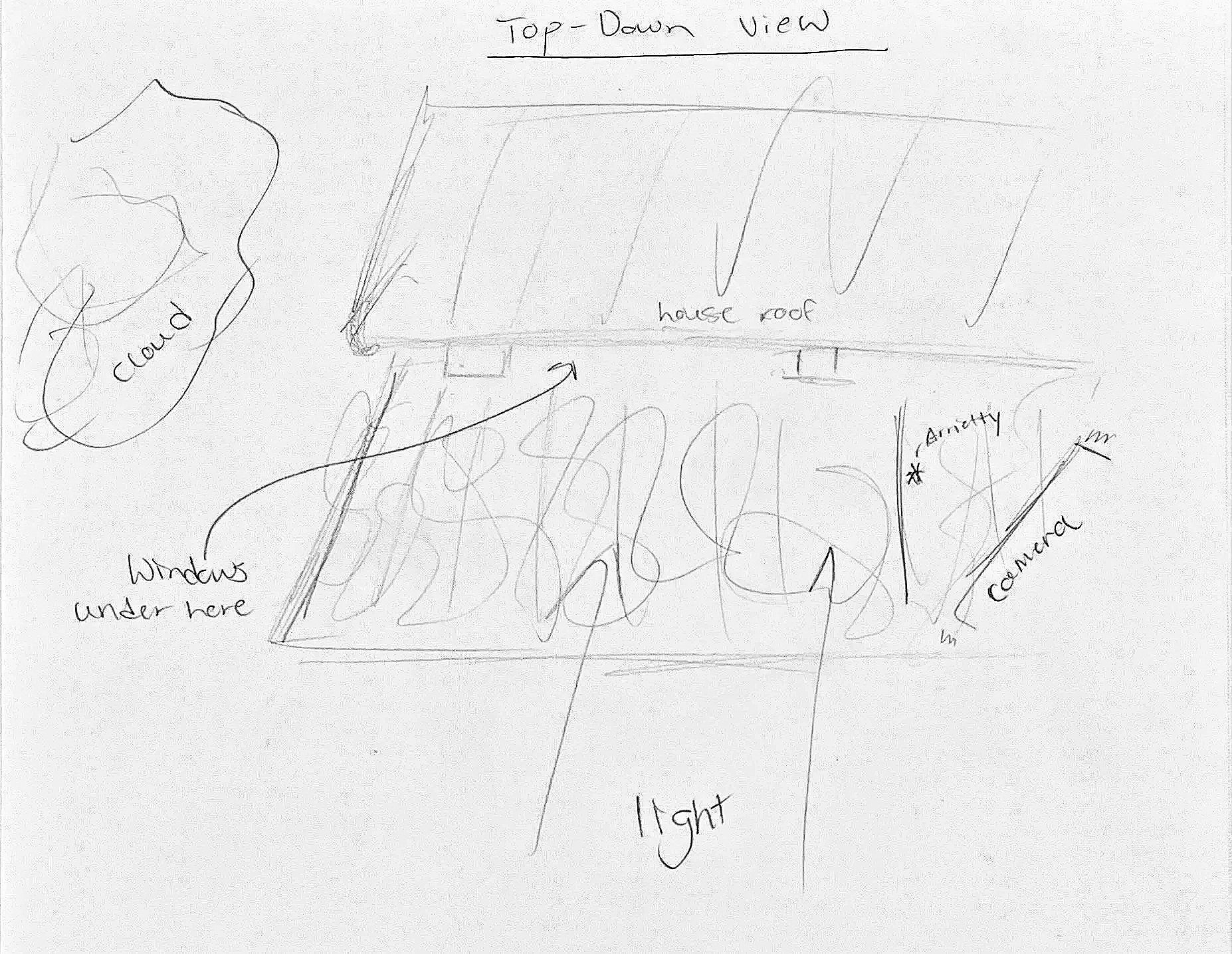
Scans of scene ideation. Graphite on paper. Fall 2025.
Development Process
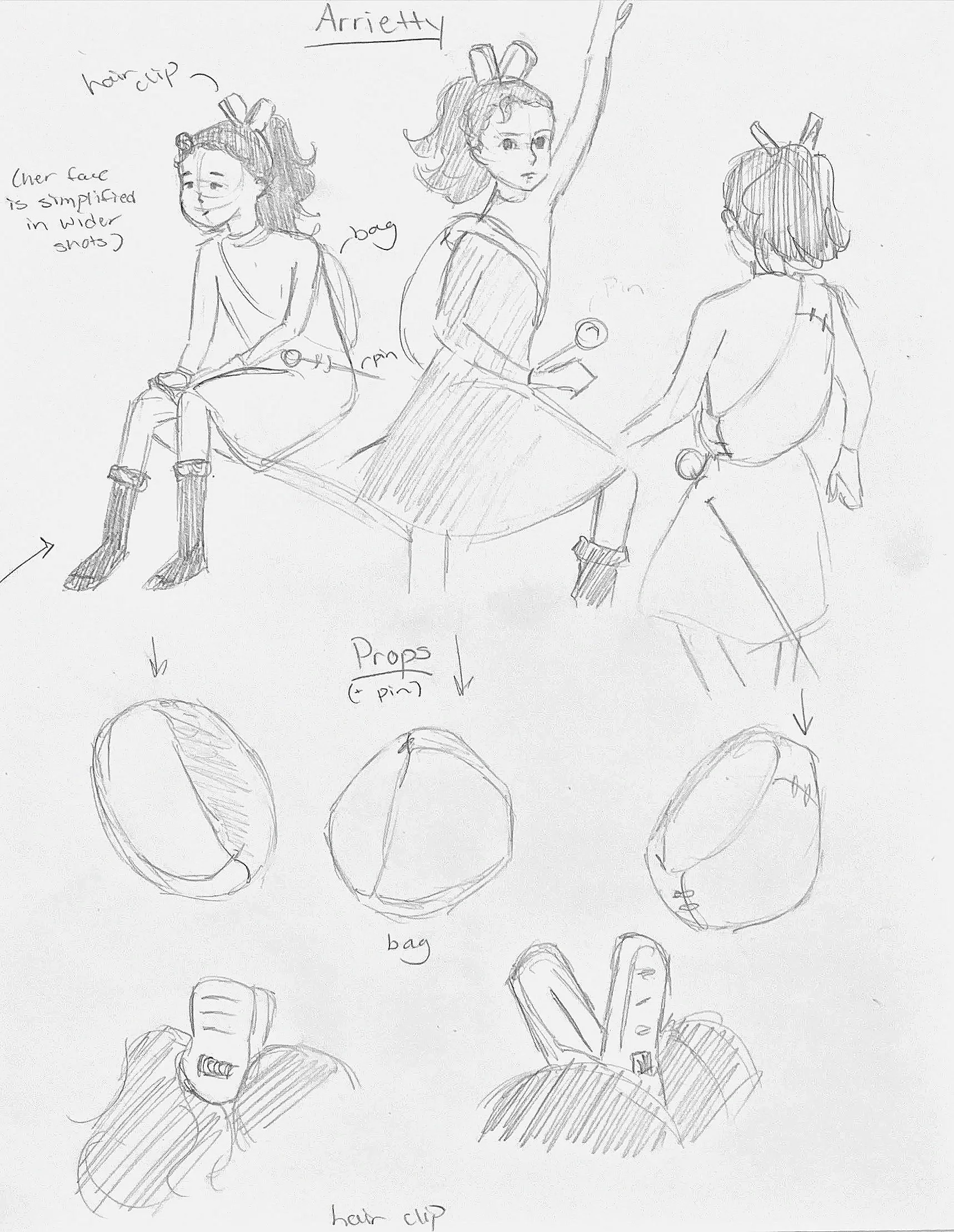
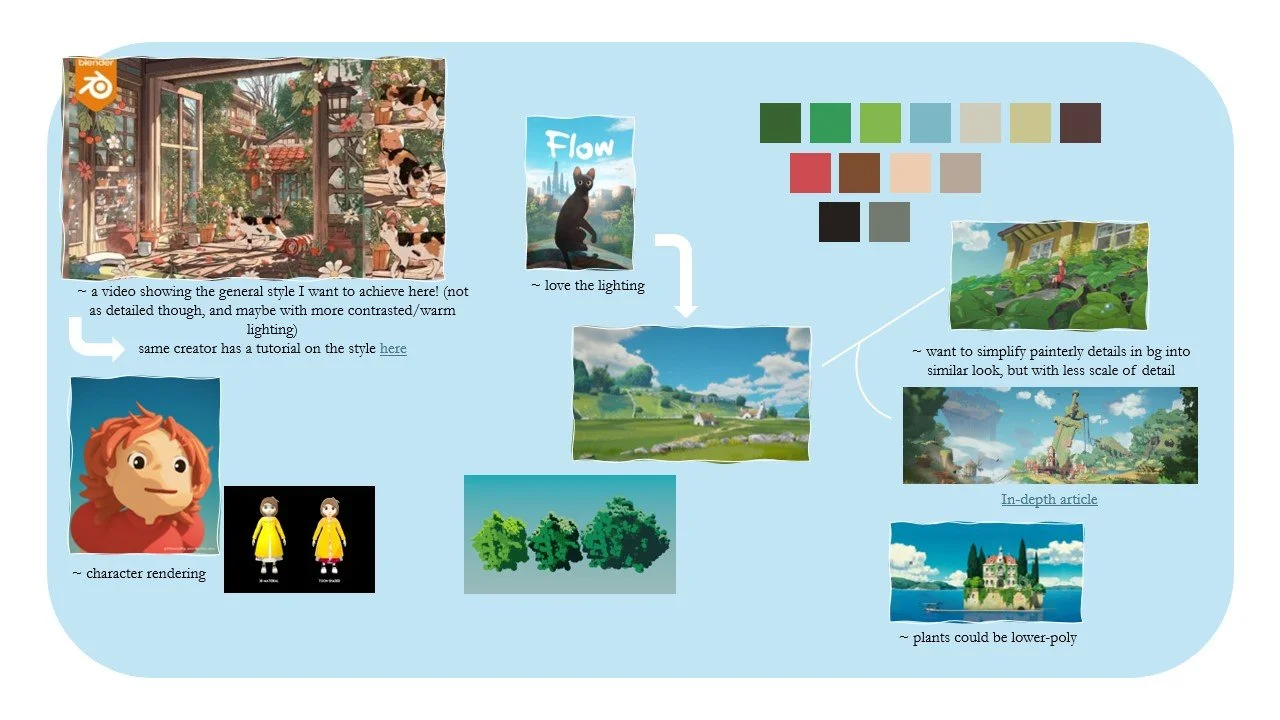
I then created a mood board for this project. With the original media being 2D, I needed to be clear with what I wanted my 3D end product to look like. I compiled movies and assets created by other artists that inspired me in terms of style, lighting, and color pallettes. After that I created clean drawings to be my modeling references.
Using my drawings of each element from multiple angles, I began modeling in Autodesk Maya. My process involved a simple cube scaled and extruded into the shape of each item. I made sure to change my point of view every few minutes, making sure that it looked accurate from every view. In the future, these models will be textured and the scene will include lighting.
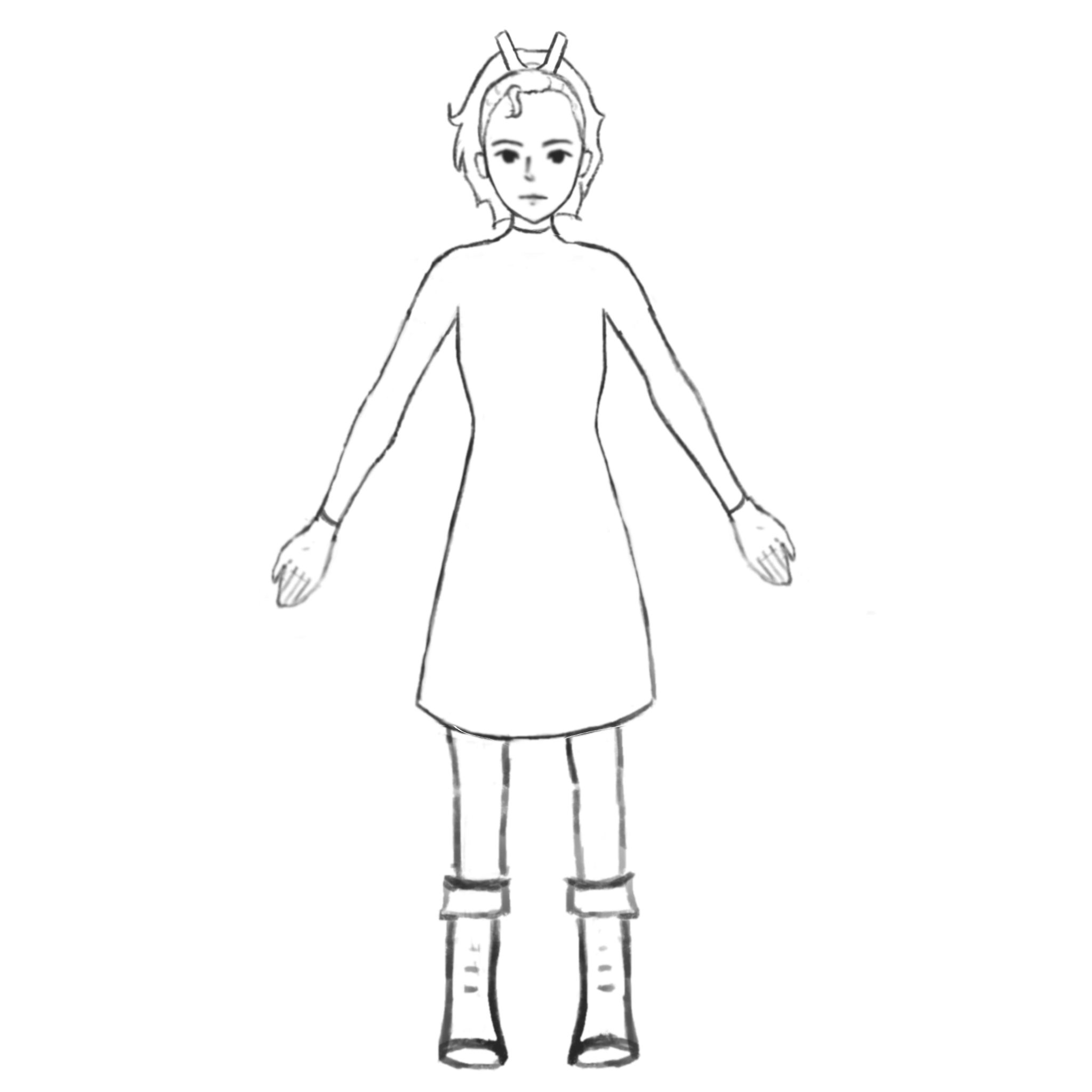
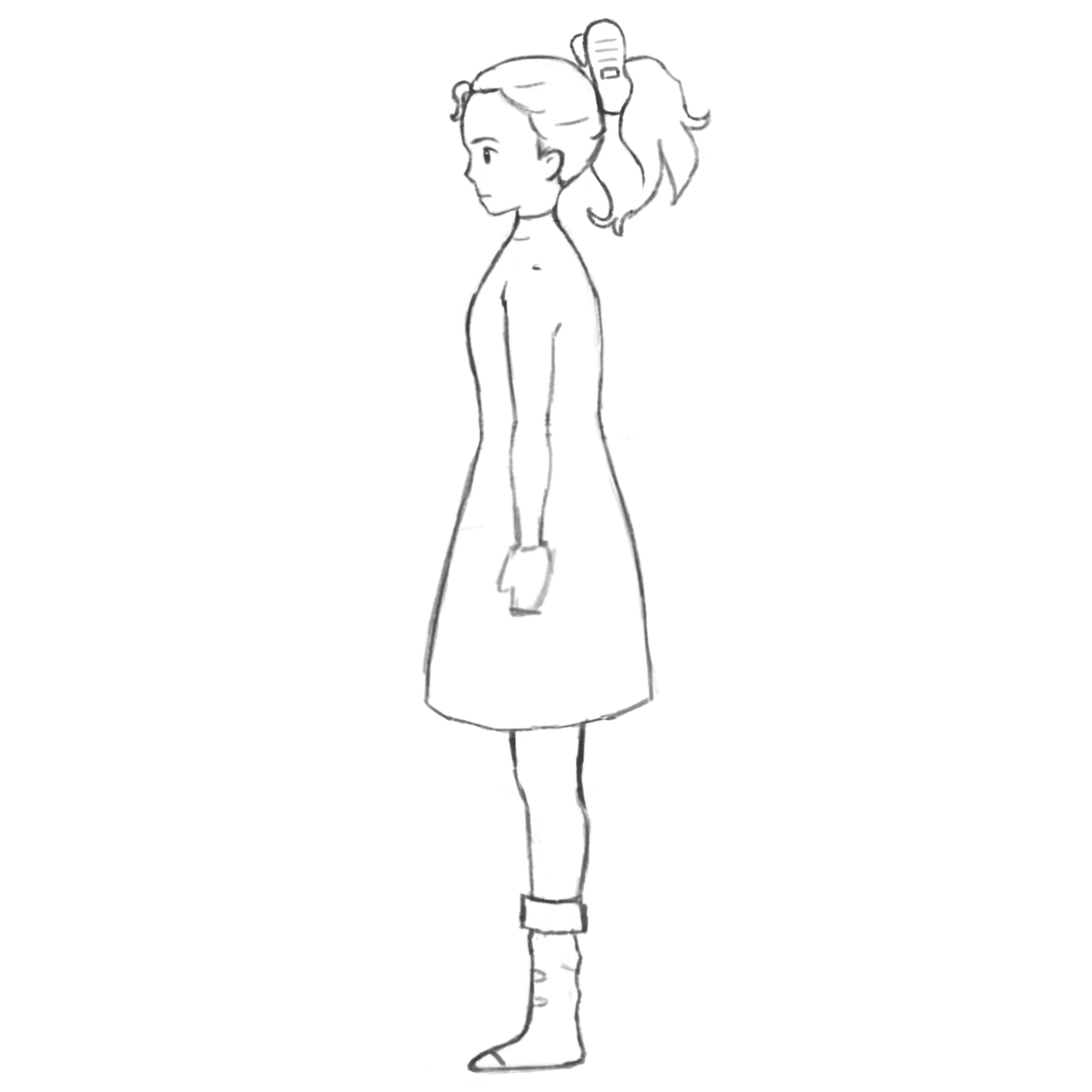
Arrietty and her hair clip (First vs final draft).


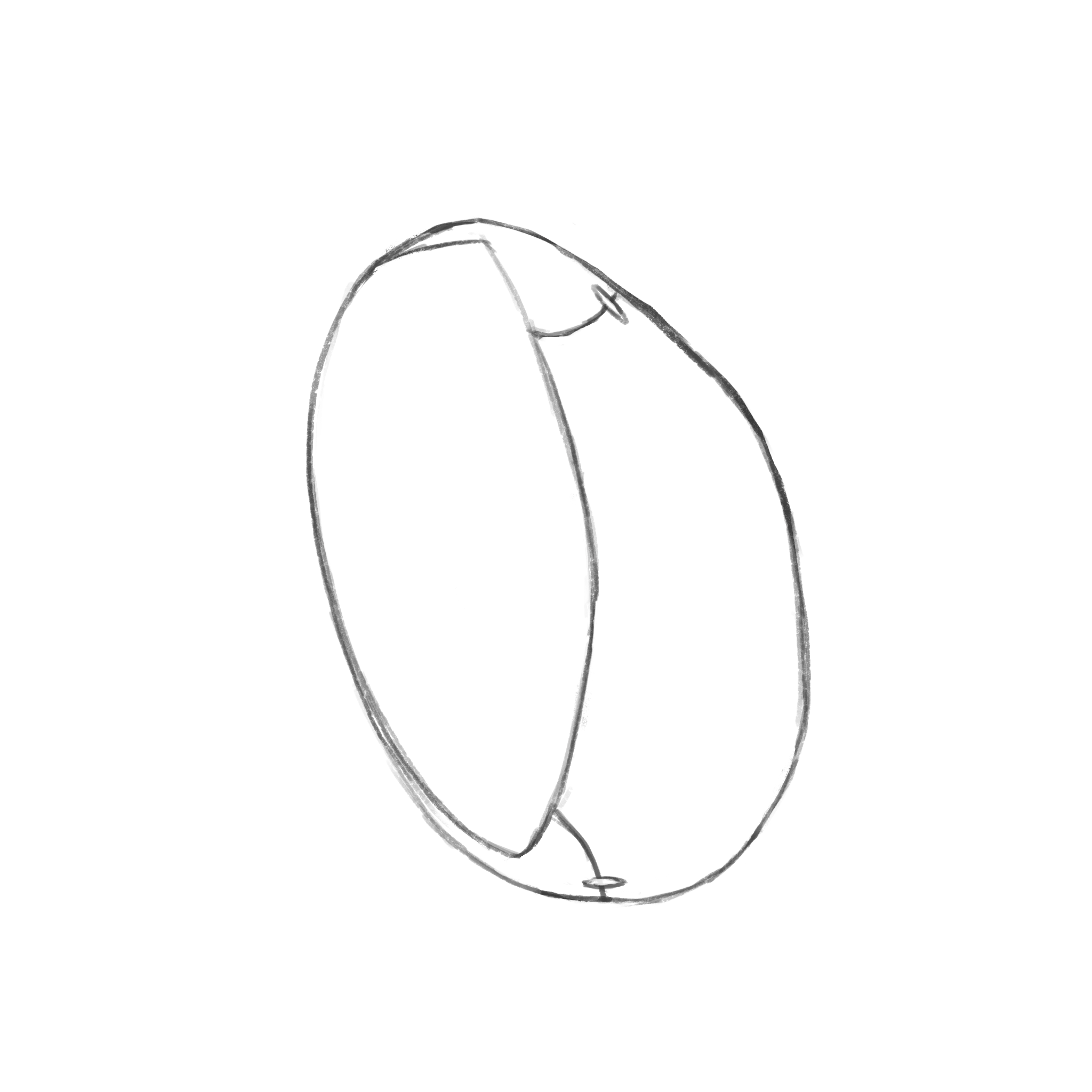



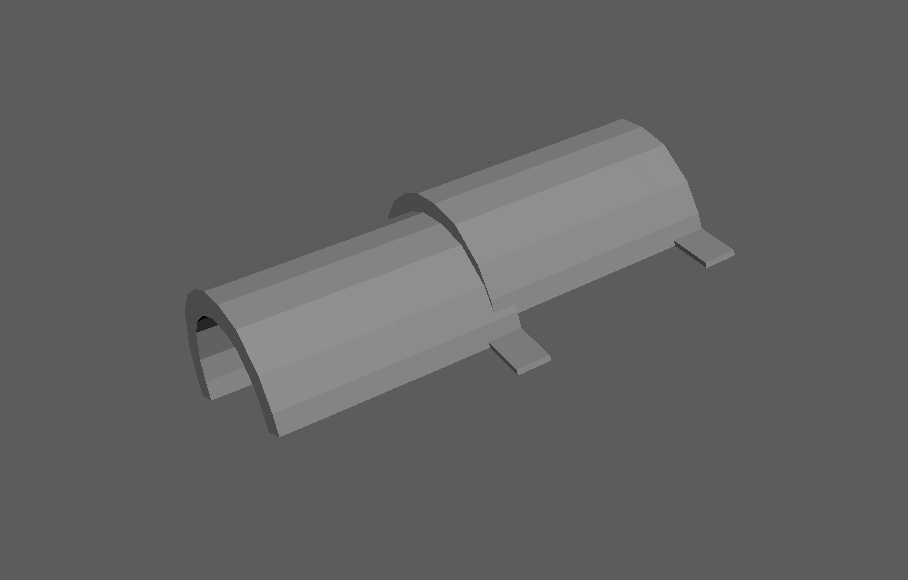
Stacked roof shingles, later repeated and grouped to build the roof.
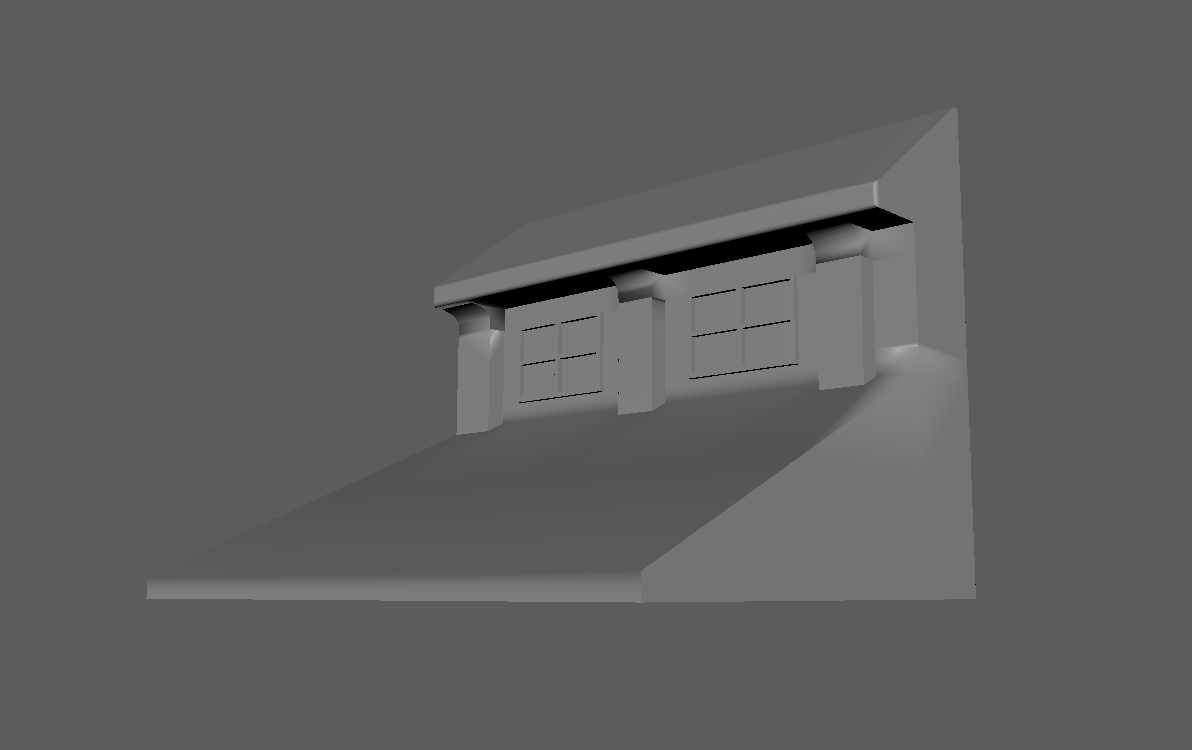
The entire scene and house reference, with Arrietty’s location marked.
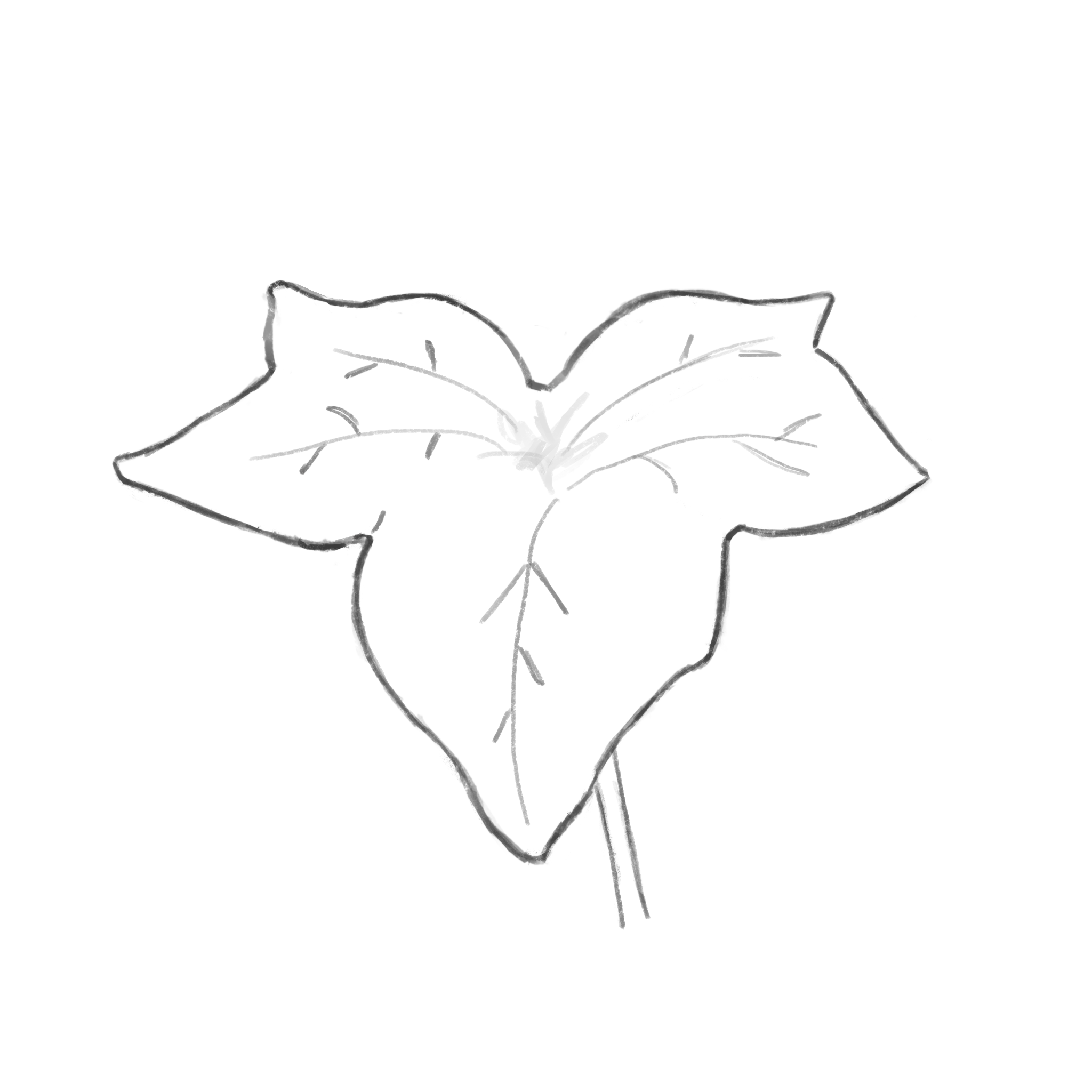
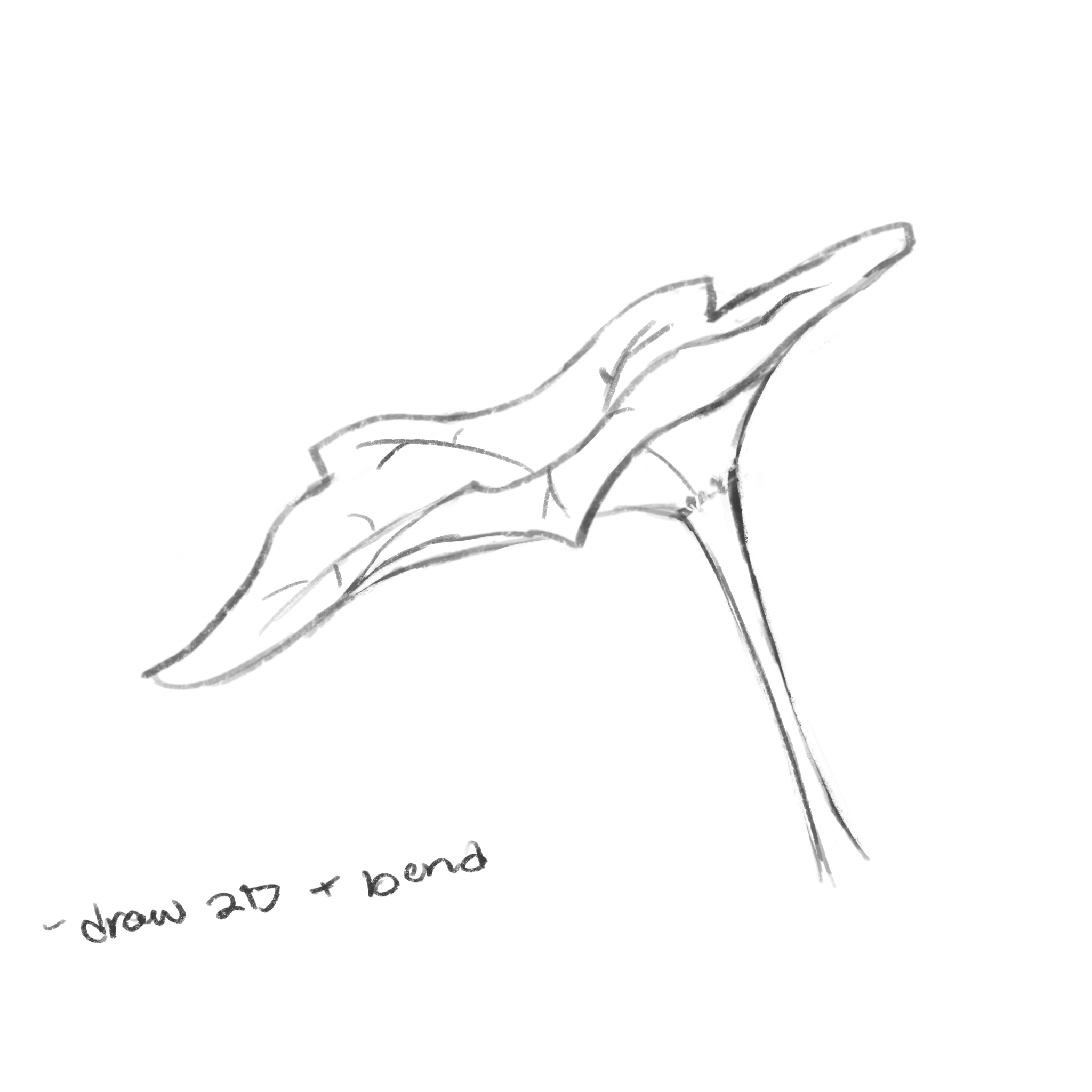
An ivy leaf, later repeated in the clip’s background.
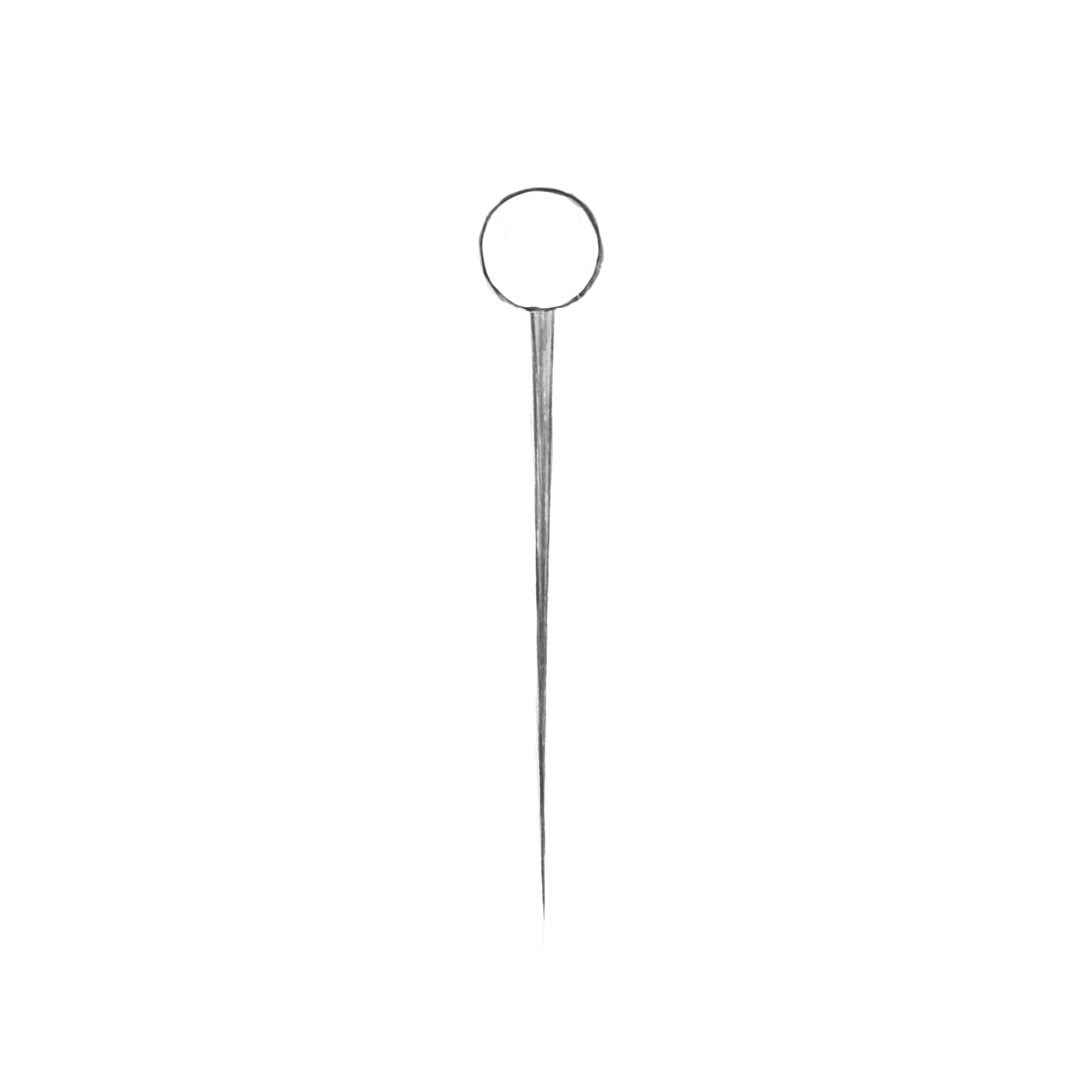
Arrietty’s bag and pin.

Models
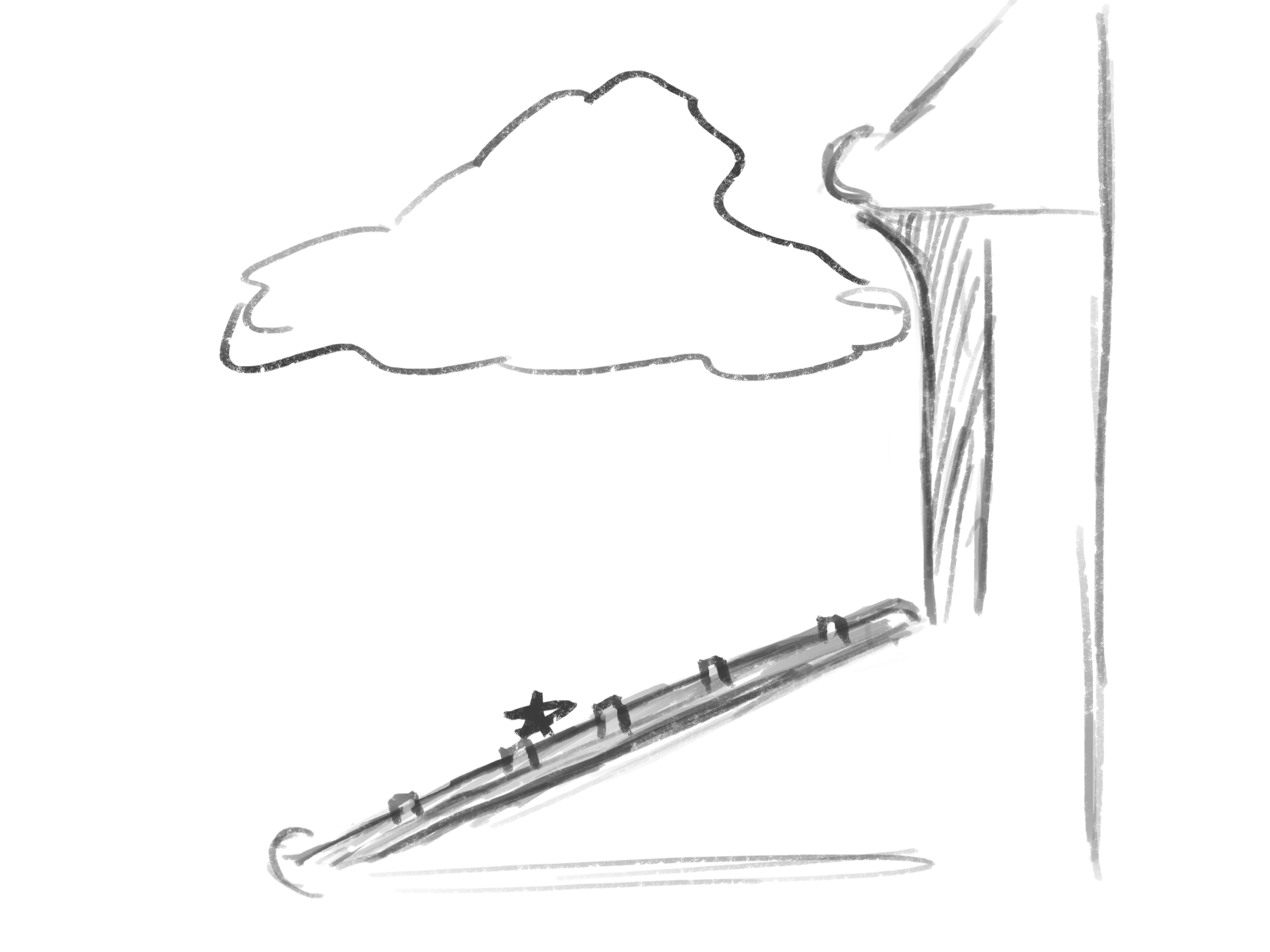
All model drawings done with Procreate. Fall 2025.